How to Use Study-With-Me Videos Without Spending the Session Watching
Before you choose a study-with-me video, choose the work you want to finish. Write down one task, pick a stopping point, and put your notes or assignment in front of you. Then let the video provide whatever background company you find useful. You don’t need to match the person on screen, copy their desk, or stay until their timer ends.
That’s easy to forget when finding the right rainy window, library view, or playlist becomes its own project. A useful session should leave you with something from your course: attempted problems, a clearer paragraph, or a question to take to class. Here’s a simple way to set that up without making your study routine more complicated.
Decide what job the video has
A study-with-me video generally shows someone working while viewers do their own work. Some are recorded; others are livestreams. The attraction might be a shared start, a visible timer, background sound, or the feeling that someone else is at a desk too.
That sense of company appears in Ge Wang and Yanxiang Zhang’s 2021 research on Bilibili study-with-me livestreams. Their observations and interviews explored motivations including companionship and accountability. That’s useful context for the format, but it doesn’t establish that watching any particular video will improve your grades.
Give your video one modest job. Maybe it marks the beginning of a work period. Maybe quiet room sounds make your desk feel less empty. If you want someone to explain a problem, you need an instructional resource instead. A person silently taking notes on screen can’t tell you why your answer is wrong.
Write a task you can actually check
“Study biology” leaves a lot undecided. “Answer the three review questions about cell membranes, then check my explanations” tells you what to open and what to do. Make that decision before searching, while your attention is still on the assignment.
Try a task sized for the time you have. You could outline one section of an essay, attempt a small set of practice problems, or prepare two questions about a reading. These are examples, not a required formula. Choose the version that matches what your course is asking you to learn.
The UNC Learning Center’s study guidance recommends active engagement, such as explaining ideas or working problems, and reducing distractions. Keep that distinction in view when setting your task. The amount of video you finish isn’t a useful substitute for checking the work you did.
If your assignment involves a dense chapter, our guide to reading a college textbook covers the reading itself. Choose your section and question there, then come back to setting up the video.
Choose a workable video, then stop browsing
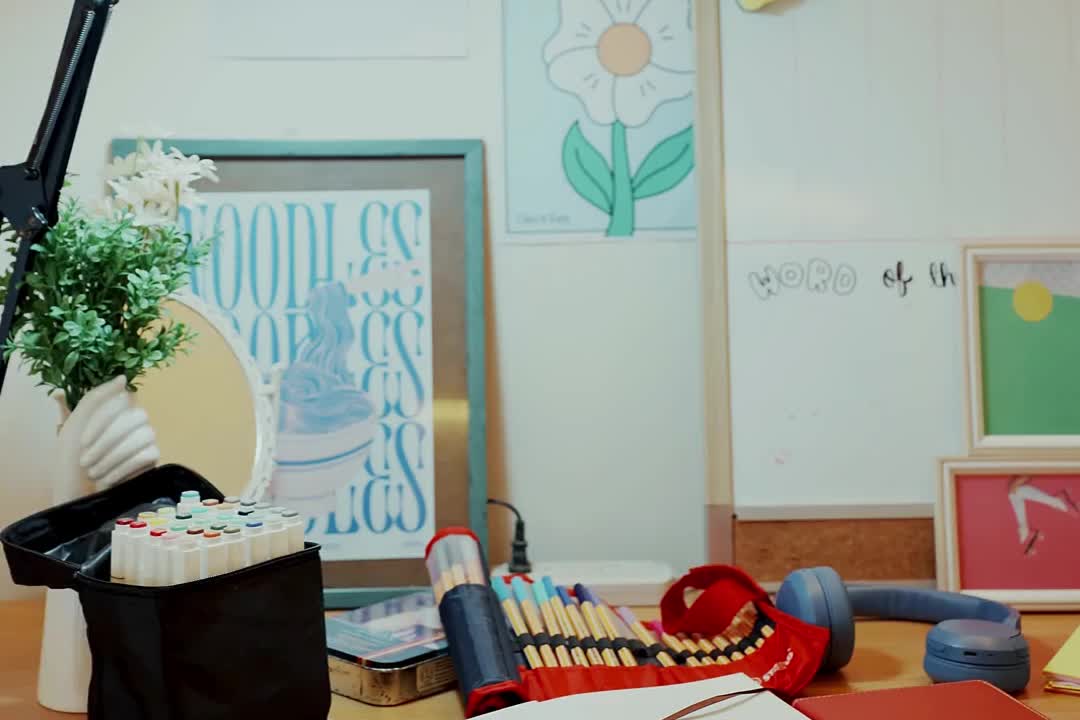
You don’t need the best study-with-me video on the internet. You need one whose setup won’t keep asking for your attention. Check a few details before committing:
- Sound: Does it contain conversation, lyrics, keyboard noise, or silence? Pick what you want for this particular task.
- Movement: Are there frequent cuts, changing views, or things you know you’ll keep looking at?
- Timing: Can you stop where you planned, regardless of the video’s length or break schedule?
- Interaction: Will a live chat, comments, or recommendations pull you into another activity?
Use a small browsing limit you can remember: for example, preview two options and choose one. That’s a practical boundary to try, not a research-tested optimum. If neither works, use your own timer or work without a video. You haven’t failed the session because the background wasn’t right.
A livestream can be appealing if you want to begin alongside other people. A recording may be simpler when you want to start and stop on your own schedule. Neither needs to become a commitment to stay for hours. Your available time and your assignment get to decide.
Put your own work in the main position
Arrange the screen so your assignment is the easiest thing to see. If you’re writing on a laptop, give the document the main window and keep the video smaller or out of view. If you’re using paper, put the notebook in front of you and the player to the side. Keep the sound low enough that you can comfortably think through your task, or mute it.
Close the comments or chat if you’re tempted to follow them. Put unrelated tabs away. Have the materials you need within reach before pressing play, including the answer key if you’ll use it afterward. The aim is to avoid turning every small obstacle into another trip through the browser.
You can also decide in advance what to do when the video interrupts you. If an ad, sudden sound, or scene change breaks your concentration, pause or close it and continue with your task. There’s no need to spend the next ten minutes finding a replacement while your half-finished work waits.
Try one short session before planning a marathon
Here’s an example for a half-hour gap between classes. Spend a couple of minutes opening the materials and writing the task. Work on it for about twenty minutes. Use the remaining time to check what you produced, note a sticking point, and pack up. Those timings are an example you can change, not a promise that one interval suits everyone.
Suppose your task is three practice questions. Work through them in order and mark where you get stuck. If the video reaches a break while you’re finishing a thought, you can pause the player. If your own stopping time arrives first, stop there. You don’t owe the video another round.
For an essay, your result might be a rough paragraph and a note about the evidence it still needs. For a reading, it might be a brief explanation of one idea. Keep the result small enough that you can look at it and say what you actually did.
Finish with an answer, not just an elapsed timer
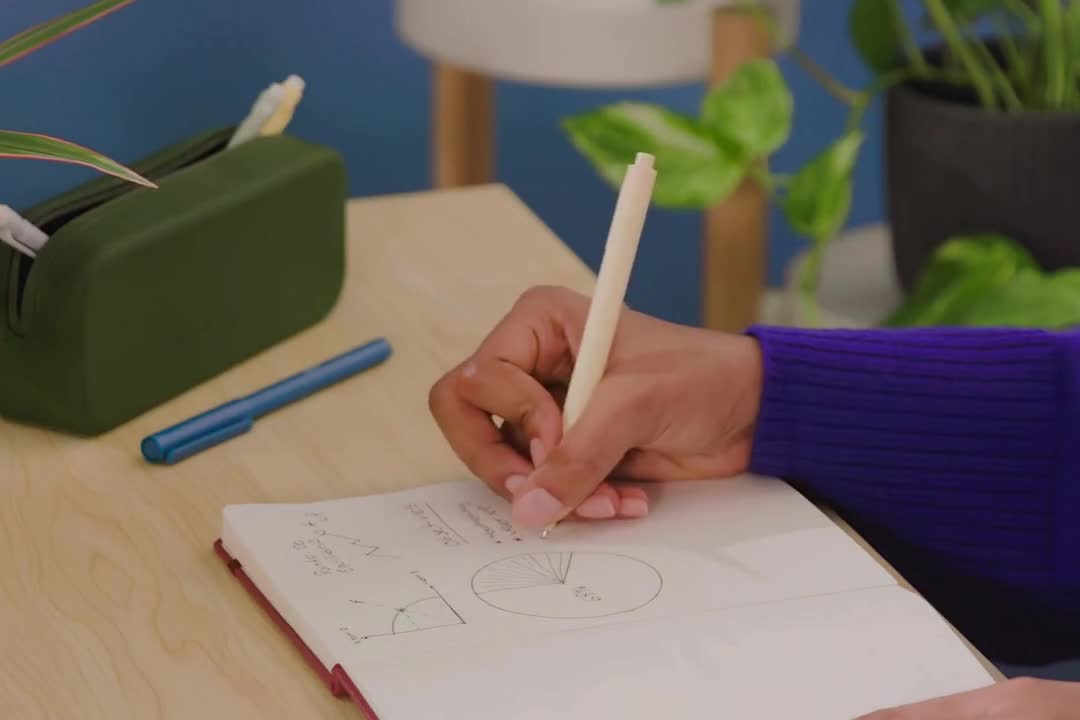
Before opening another video, check one part of your work. Explain an idea without looking at your notes, attempt a related problem, or reread your paragraph against the assignment question. Then consult your materials and correct what you missed. A gap gives you something specific to work on next.
Finally, ask whether the video helped you begin and stay with the task, or whether you spent the session noticing the screen. Keep the parts of the setup that were useful. Change or remove the rest next time. You can like the atmosphere of a video and still decide it belongs in your leisure time.
For your next session, write three lines: my task, my stopping point, my end check. Get those onto the page before you press play. The video can keep you company; your own work gives the session its purpose.