How to Rent Textbooks Without Getting Hit With Extra Fees
Renting textbooks is safest when you can return the exact book on time and in reusable condition. If you miss the deadline, damage the book, send back the wrong copy, or assume every rental company treats highlighting the same way, the cheap rental can turn into an expensive replacement charge.
That does not mean renting is a bad idea. It means you should treat a rental like borrowed property with a paper trail. Before you rent, confirm the exact ISBN and the total cost. While you use the book, keep it clean enough for another student. Before finals week gets chaotic, print the return label, pack the book carefully, and save proof that you dropped it off on time.
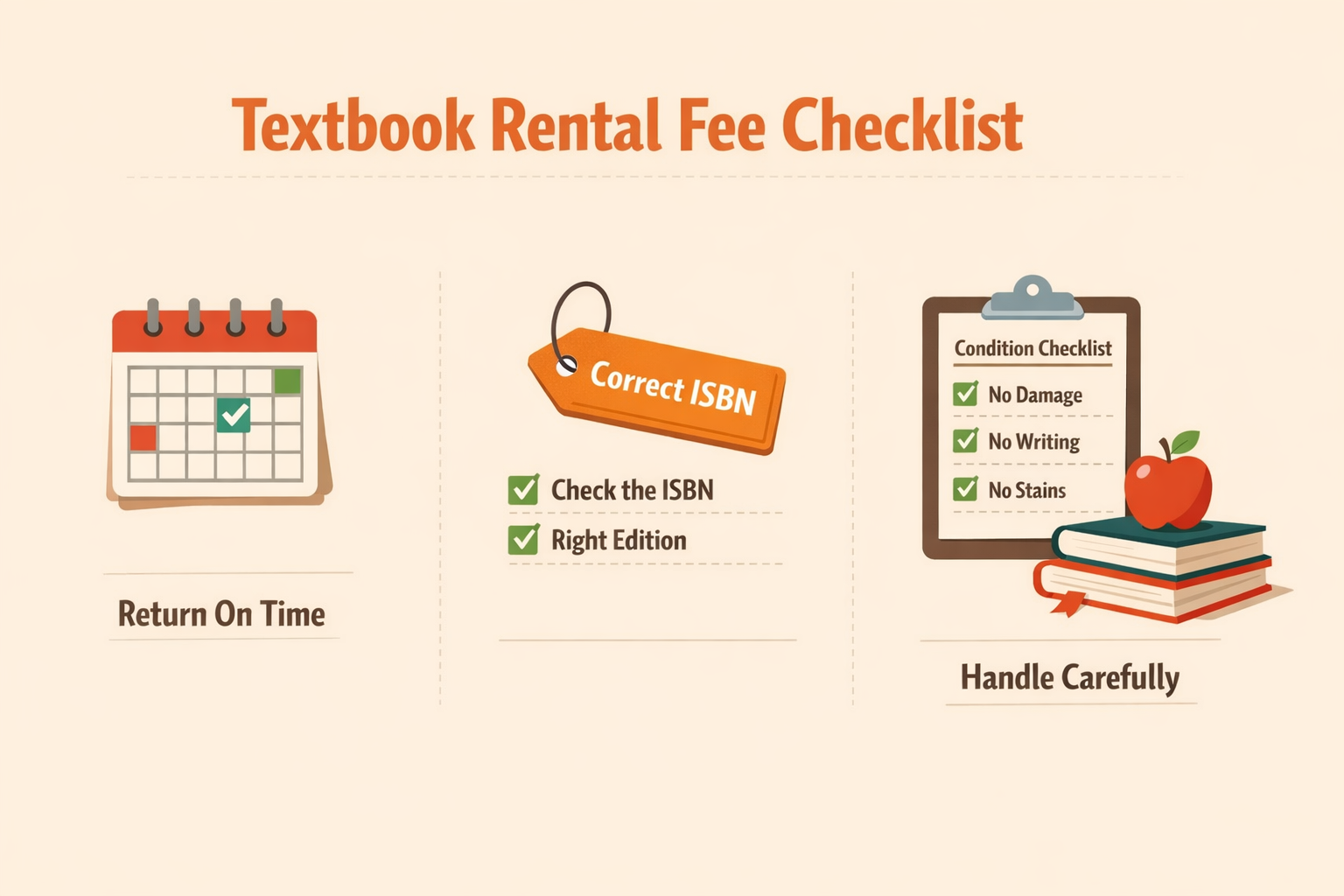
Quick answer: textbook rental fees are mostly avoidable
Most avoidable rental fees come from five problems:
Fastest way to dodge rental fees
- Match the title, edition, format, and ISBN before you rent.
- Read the return, highlighting, and damage rules first.
- Calendar the due date on the day the box arrives.
- returning the book after the due date;
- sending back a damaged, wet, torn, or heavily marked book;
- losing the book or shipping it without proper tracking;
- returning the wrong book or forgetting included supplements;
- renting the wrong edition, format, or bundle in the first place.
The practical fix is simple: match the book exactly, document its condition when it arrives, use it gently, and build a return plan before the end of the term. Barnes & Noble’s textbook rental terms, for example, say rented materials need to come back in salable condition, with original components present and no excessive highlighting or writing. Chegg’s rental policy language is similar in spirit: limited highlighting may be allowed, but damaged books, late returns, or lost books can trigger extension, replacement, or purchase-price charges.
Your exact rules depend on the company, campus bookstore, or publisher you rent from. Read the policy before assuming anything.
Before you rent, compare the exact ISBN and the total cost
A rental only saves money if it is the right book and the all-in cost still beats your alternatives. Start with the assignment list from your instructor or bookstore, then compare the title, author, edition, format, and ISBN.
Match title, edition, author, format, and ISBN
Do not rent from a cover image alone. Textbooks often have multiple editions, loose-leaf versions, custom campus versions, digital bundles, and access-code packages that look almost identical in search results.
The ISBN matters because it identifies a specific book product or edition. ISBN.org’s general ISBN FAQ explains that each format or edition can require its own ISBN, so a paperback, ebook, revised edition, or bundled product may not be interchangeable for class.
Before you click rent, check the ISBN-13, edition, publication year, author list, format, and whether your instructor requires an online homework platform or access code.
If you are comparing several sellers, search by ISBN on Textbook Nova first so you are comparing the same book.
Compare rental price against used, digital, older-edition, and access-code options
A rental price can look great until you add shipping, taxes, extension costs, or the risk that you still need the book after the due date. Compare it against buying used, renting digital, using an approved older edition, borrowing legally, or buying a required access-code bundle.
If the rental is only a few dollars cheaper than buying used, buying may be safer. If the class uses graded online homework, the printed rental may not include the access code you need. For broader decision-making, use Textbook Nova’s guide to ways to save money on textbooks.
Read the rental policy before you highlight, write, or remove anything
Rental policies are not identical. Some allow normal highlighting. Some warn against writing. Some care about missing supplements. Some require a specific prepaid return label. You do not need to memorize every clause, but you should know the rules that can cost you money.
Highlighting rules vary; assume “limited” means genuinely limited
Treat a rented textbook like something another student needs to use next semester. Light highlighting may be acceptable with some vendors, but heavy marking can become a problem if it hurts readability.
Chegg says limited highlighting is permitted but asks students not to write in rented physical books. Barnes & Noble allows normal-use highlighting and writing, but says excessive marking that hinders readability can make the renter responsible for replacement. The practical student rule is stricter than the minimum policy: highlight only what you truly need, skip pen notes in the margins, and use sticky notes or a separate notebook for anything messy.
Avoid highlighters that bleed through pages, pen notes in the margins, correction fluid, food or drink damage, and backpacks that crush corners or bindings.
Supplements, CDs, workbooks, and access-code cards can matter
Rental listings do not always guarantee every supplement. Barnes & Noble says supplemental materials are not guaranteed with rented or purchased books, but if a rented book arrives with a supplement, it must be returned with the rental. Chegg also says supplemental materials may not be included, but asks students to return the book complete with anything they received.
Save anything that came in the package: CD sleeves, cards, inserts, lab-manual add-ons, or shrink-wrapped components.
Access codes deserve extra caution. If your course requires an online homework platform, renting the print book may not include a fresh code. Check your syllabus so you do not pay twice.
Protect yourself the day the book arrives
The best time to prevent damage disputes is the day the rental arrives, not the night before the deadline. Open the package carefully and inspect the book in good light.
Take photos of the cover, spine, barcode/ISBN, and any visible damage. Check for water damage, torn pages, loose binding, heavy writing, missing pages, or broken supplements. Save the packing slip, order confirmation, and rental due date. Report serious pre-existing damage through the rental company’s support process right away.
Barnes & Noble tells renters to inspect damaged rented materials when they arrive and contact the company within its stated reporting window. eCampus gives similar practical advice in its textbook rental guidance, telling students to check the condition of a rental when it arrives and contact customer service if there is a problem.
Keep your photos until the rental is fully closed out and your account shows no balance.
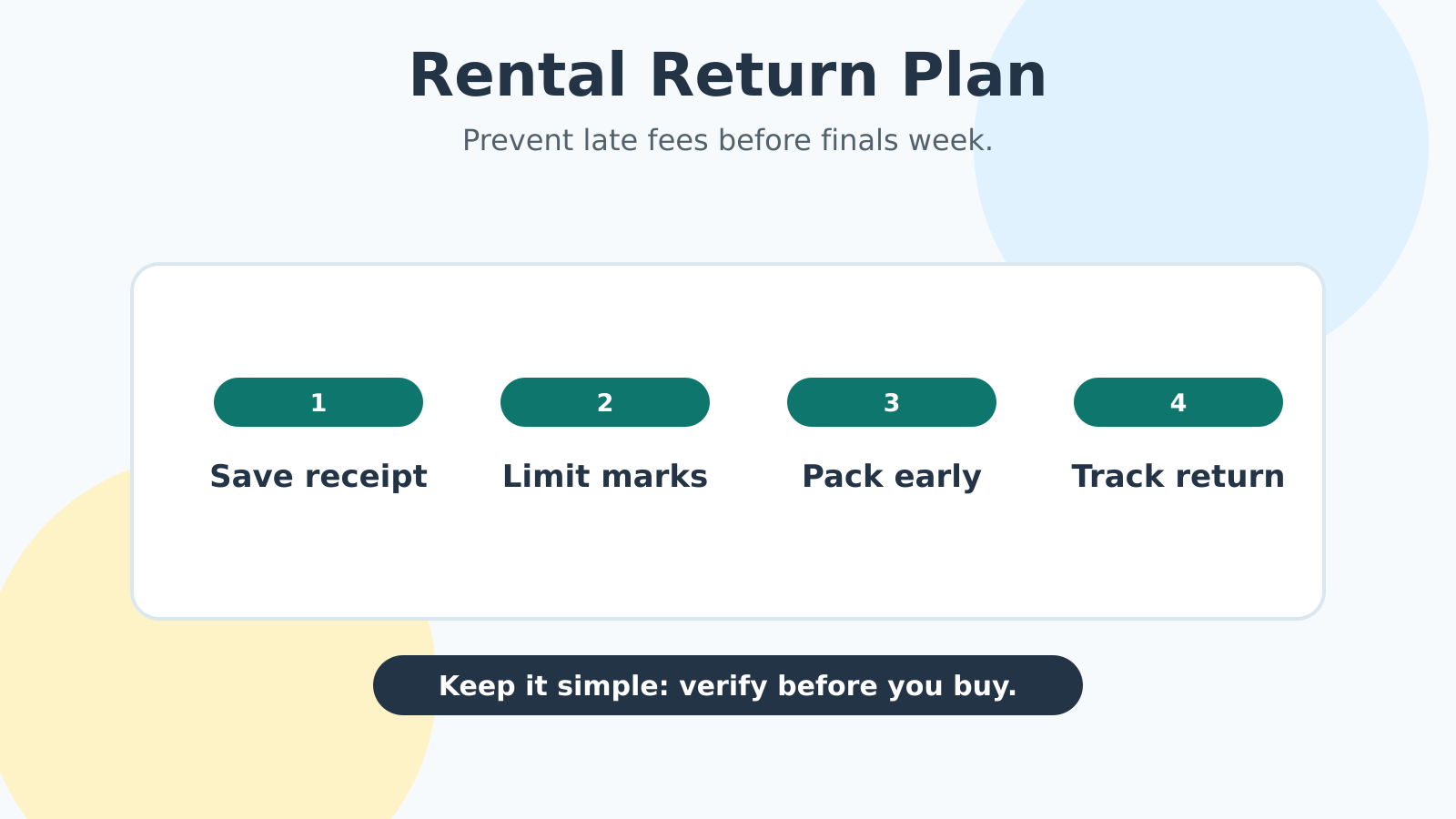
Set up a return-week plan before finals get chaotic
The most common rental mistake is waiting until finals week to think about the due date. By then you may be moving out, traveling, working, or studying for multiple exams.
Two weeks before the due date, confirm the deadline in your account, check whether it is based on drop-off date, postmark, or receipt, print the official label, pack the book securely, and save the tracking number or drop-off receipt.
Chegg says a rented physical book is considered returned when it is dropped off, properly packaged and labeled, with the specified carrier by the due date. Barnes & Noble tells renters to use the prepaid shipping label at least five days before the return date, while Cengage’s rental-fee terms require its prepaid label and separate packaging for each returned textbook.
Campus bookstores can have their own rules, too. UVA Bookstores’ textbook return and rental policy is a useful reminder that local policies may set specific in-store windows, receipt requirements, condition rules, and deadlines. Check your campus policy instead of assuming a national online-rental rule applies.
What to do if the rental is late, damaged, lost, or still needed
If something goes wrong, act quickly. Waiting usually reduces your options.
If the book is late, log in to your rental account and look for extension, purchase, or support options. If it is damaged, take clear photos, explain what happened, and ask what the company wants you to do before shipping it back. If it is lost, check whether you can purchase the rental, pay a replacement fee, or send an identical copy. Chegg’s policy, for example, allows a lost or stolen rental to be handled by returning an identical book in the same condition or paying the purchase price minus rental fees, but your vendor may handle it differently. If you still need the book after the due date, extend or buy it before the deadline when possible.
A simple textbook rental checklist
Use this checklist every time you rent a textbook.
Before renting: match the exact ISBN, edition, author, and format; confirm whether an access code is required; compare rental cost against used, digital, older-edition, and buy/resell options; read the rental policy; and save the due date somewhere you will actually see it.
When the book arrives: photograph the cover, spine, ISBN/barcode, and any existing damage. Keep the box, packing slip, and return instructions until you know the book is correct. Report serious damage or missing items quickly.
During the semester: use sticky notes or a separate notebook instead of heavy writing, keep food and drinks away from the book, and keep the rental separate from books you own so you do not sell or return the wrong one.
Return week: print the official return label, pack the book securely, use the required carrier or campus drop-off process, get a receipt or tracking number, and save proof until your account shows the rental was received and closed.
Renting is a good tool when the book is temporary and the rules are clear. The goal is not to be afraid of rental fees. It is to make the rental boring: right book, clean condition, correct label, on-time return, no surprise charges.