Category: College Tips

  • How to Tell If an Online Textbook Seller Is Legit Before You Buy

    How to Tell If an Online Textbook Seller Is Legit Before You Buy

    If you are about to buy a textbook online, the safest move is simple: trust the seller only after you verify the seller, the exact book, and the checkout terms. A listing can look polished and still be wrong, fake, or risky. The good news is that you can spot most bad listings in a few minutes if you know what to check.

    The short version: verify the seller, the exact ISBN and edition, and the checkout terms. If you want to compare exact editions after you verify the listing, search by ISBN or title on Textbook Nova and compare your options before you buy.

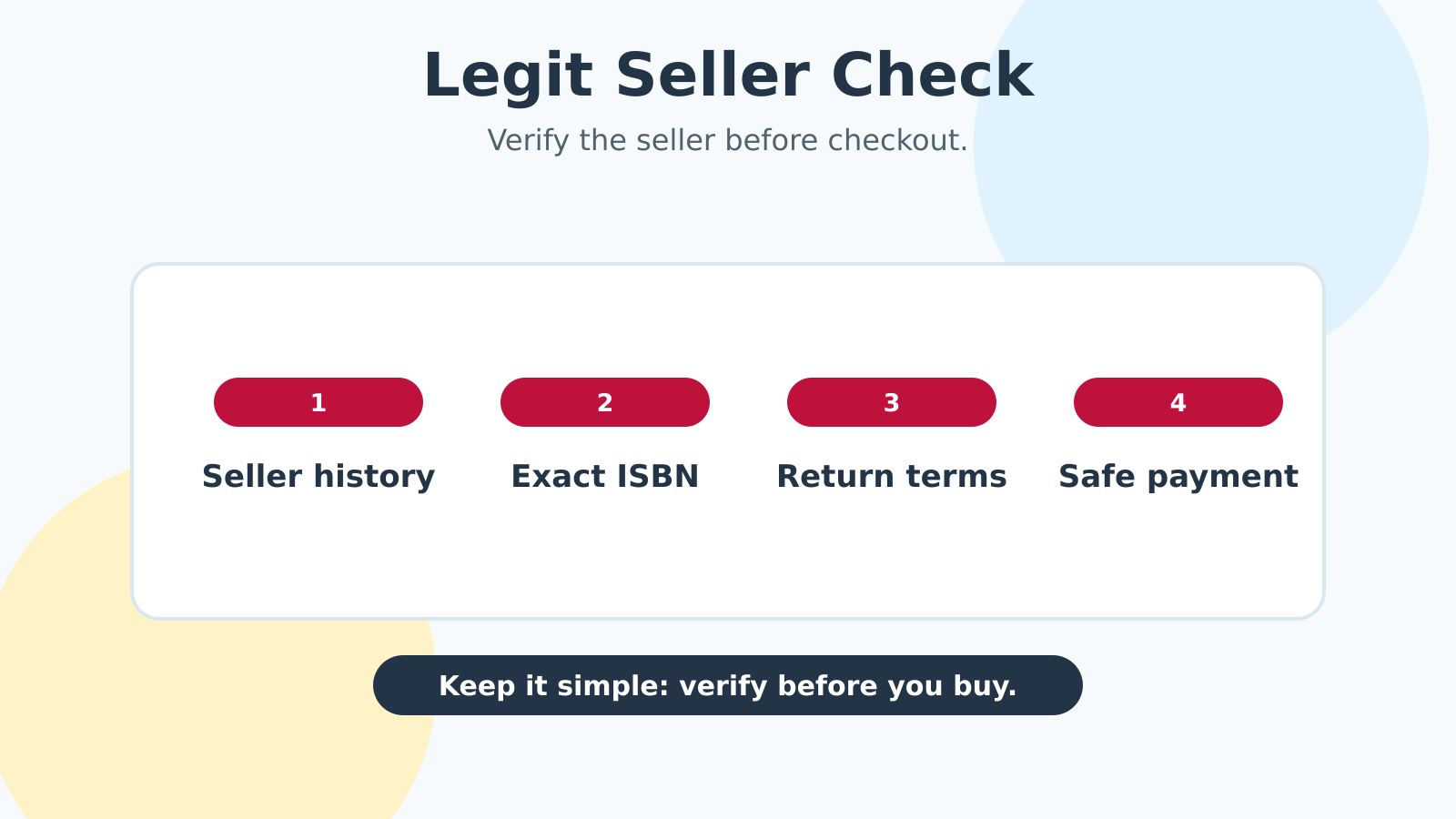
    Legit seller checklist for checking an online textbook listing before buying.
    A safe textbook listing should have a verifiable seller, exact ISBN details, clear return terms, and protected payment.

    Quick answer: the safest textbook listing is the one you can verify

    The fastest legitimacy check is this:

    • Seller identity: Can you find a real seller name, history, and contact path?
    • Listing accuracy: Does the ISBN, edition, format, and bundle/access-code wording match your class?
    • Photos and description: Are there original photos and specific condition notes, not just vague sales copy?
    • Payment and returns: Are you paying through a protected checkout with a return policy you can actually use?

    That lines up with the FTC’s advice on online shopping and buying from an online marketplace. The BBB’s online shopping scam warnings make the same point: if a deal looks too easy and the seller is hard to pin down, slow down.

    Check the seller before you trust the listing

    Search the seller name, reviews, and complaint history

    Start with the seller, not the price. Search the seller name plus words like scam, complaint, fake, review, refund, or marketplace. You are looking for a pattern, not a single grumpy comment. Repeated stories about wrong items, missing shipments, or no refunds are different.

    On marketplaces, pay attention to seller age, completed sales, and response history. A seller with a long track record and consistent feedback is usually safer than a brand-new account with a “too good to miss” price. The FTC and BBB both push buyers toward this kind of basic due diligence because it catches the obvious trouble before money changes hands.

    Look for real contact info and marketplace protection

    A legitimate seller should not feel anonymous. At minimum, you want a real seller profile, a platform checkout path, and a way to contact support if the item never arrives or turns out wrong. If the seller wants to move the deal off-platform right away, that is a warning sign.

    Protected marketplaces give you a trail: order history, messages, receipts, and dispute tools. The FTC specifically recommends keeping records and using payment methods that give you recourse if the transaction goes sideways.

    Check the listing details, not just the headline price

    Match the ISBN, edition, format, and access-code wording

    For textbooks, the headline title is not enough. The ISBN is the fastest way to identify the exact book, edition, publisher, and format. ISBN.org’s explanation of the ISBN standard is clear on that point.

    That matters because two listings can share a title and still be wrong for your class. One might be a previous edition. Another might be international. Another might be a paperback when your course needs a hardcover or digital code bundle. Read the words around the title carefully:

    • Edition: First, second, revised, international, loose-leaf, or instructor edition all matter.
    • Format: Hardcover, paperback, loose-leaf, rental, eBook, or bundle are not interchangeable.
    • Access code wording: “Code included” is not the same as “code may have been redeemed.”

    If the listing does not make these details obvious, assume you have work to do before checkout.

    Prefer actual photos and specific condition notes over stock images. Stock photos are fine for marketing. They are not enough for verification. Real photos of the actual copy tell you much more: cover condition, spine wear, highlighting, writing, water damage, or missing pages.

    Good listings also use specific language. “Some wear” is not great, but it is better than “great condition” with no details. If the seller can tell you whether there is highlighting, a name written inside the front cover, bent corners, or cover damage, that is a better sign than a slick headline and a fuzzy image.

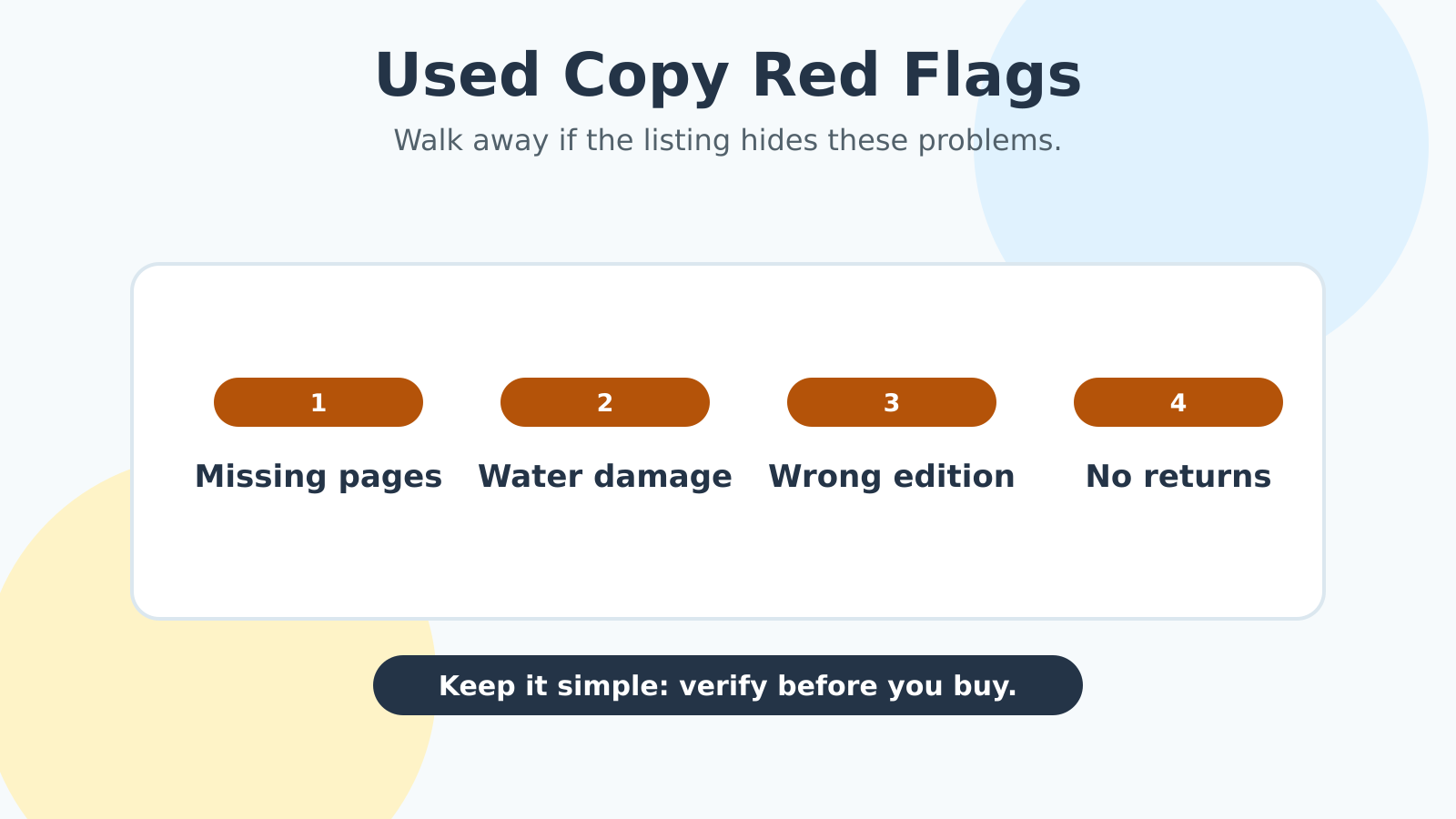
    Red flags that should make you walk away

    Prices that are wildly below market are often bait

    A textbook that is priced far below every comparable listing can be a bargain. It can also be bait, a counterfeit, the wrong edition, or a listing that hides missing materials. If the discount feels unreal, compare a few other sources before you bite.

    Other red flags include copied product descriptions, broken English that does not fit the rest of the listing, seller names that look randomly generated, and a refusal to answer straightforward questions. The BBB’s scam guidance repeatedly points to this pattern: fake retailers often lean on urgency, too-good pricing, and weak seller identity.

    Pushy payment methods and vague return policies are bad signs. Be careful if the seller pushes you toward wire transfers, gift cards, person-to-person payments with no protection, or any method that removes your ability to dispute a bad transaction.

    The same goes for return policy language that is hard to find, too short to be useful, or written so broadly that it could be denied for anything. A legit seller should be comfortable stating how long you have to return the book, who pays return shipping, and what counts as a valid problem.

    If you cannot understand the return policy in one reading, that policy may be doing that on purpose.

    How counterfeit, wrong-edition, and access-code traps show up

    Why ISBN and edition mismatches matter so much

    Textbook scams are not always dramatic. Sometimes the seller simply lists the wrong version and hopes you do not notice until it is too late. That is why ISBN checking matters so much. It is the quickest way to confirm you are buying the exact version your class expects.

    This is also where counterfeit books can slip in. If a seller is vague about the edition, the publisher, or the format, you have less to compare against. A counterfeit can look close enough in a listing photo to fool a rushed buyer, but the details often give it away: blurry printing, odd cover color, mismatched publisher info, or a title page that does not line up with the ISBN.

    If the book is for a technical class or a professor who assigns specific page numbers, the wrong edition can mean missed homework, wrong problem sets, and avoidable stress.

    Why a used textbook may not include a usable access code. This is one of the most expensive surprises for students. Many textbooks come with digital homework or eText access, and those codes are often one-time use only. Pearson’s eTextbook support notes that access codes are tied to redemption, and McGraw Hill’s Connect access code FAQ makes the same basic point: a code is not automatically reusable just because the book is.

    So if the course requires a platform for homework, do not assume a used book solves the whole problem. A used copy may still be fine for reading, but it may not unlock quizzes, assignments, or eBook access. Check the syllabus before you buy.

    Safer ways to buy if the listing still looks tempting

    Use a protected payment method and save proof

    If the listing passes the basic smell test but you still feel uneasy, give yourself a paper trail. Use a credit card or a marketplace checkout with buyer protection when possible. Save screenshots of the listing, seller profile, return policy, and any messages about edition, condition, or access codes.

    That is what you do when the upside is saving money and the downside is buying the wrong textbook twice.

    If the seller later claims the listing said something different, your screenshots matter. If the item arrives damaged or incomplete, your records matter. If the seller disappears, your payment trail matters.

    Ask one last question before you click buy. If you are still unsure, ask this: “Would I still be happy with this purchase if the book arrived exactly as described?” That question cuts through the impulse to chase the lowest price.

    If the answer is no, keep shopping. If the answer is yes, and the seller, ISBN, photos, return policy, and payment method all check out, you are probably in safe territory.

    Bottom line checklist before you click buy

    Use this final check:

    • Search the seller name plus scam, review, or complaint.
    • Confirm the exact ISBN and edition.
    • Make sure the format matches your class.
    • Read the listing for access-code, bundle, or supplement wording.
    • Prefer actual photos over stock images.
    • Skip vague condition notes and copied descriptions.
    • Avoid off-platform payment requests.
    • Check the return policy before checkout.
    • Save screenshots and receipts.

    If you can verify all of that, the seller is much more likely to be legit. If not, walk away and compare other options. For the rest of the semester-buying strategy, pair this legitimacy check with the broader textbook savings guide.

    The best textbook deal is the one that gets you the right book, from a real seller, with no unpleasant surprises.

  • What to Do When Your Textbook Requires an Access Code

    What to Do When Your Textbook Requires an Access Code

    If your syllabus says you need a textbook access code, the most important thing to know is this: the code may matter more than the book. A used or rental copy can still be a smart buy, but only if your class does not require a one-time login for homework, quizzes, or an eBook platform.

    That is why the first move is not hunting for the cheapest copy. It is figuring out exactly what your class actually requires. Publisher help pages for Pearson access code help, Cengage MindTap access code registration, and McGraw Hill Connect access code and purchase options all point to the same basic reality: access codes are tied to courseware, and not every book you buy secondhand will unlock that courseware.

    Student checking online course materials beside an open textbook.
    Before buying used, confirm whether the course requires a fresh access code for homework, quizzes, or graded online work.

    Quick answer: if homework is in the platform, the code matters more than the book

    If your grade depends on MyLab, MindTap, Connect, WebAssign, ALEKS, or another homework platform, treat the access code as the real requirement and the print book as a separate decision. If the course only uses the book for reading, note-taking, or reference, you have much more flexibility.

    That distinction is the whole game. Students often buy a cheap used copy first and only later discover that the homework portal is where the assignments live. By then, they have paid twice.

    The safest default is simple:

    • if the platform is required for graded work, verify the code first;
    • if the code is optional, compare used, rental, and digital copies like normal;
    • if you are unsure, ask before checkout.

    Textbook Nova is useful here because you can compare exact ISBNs and editions before you commit. Search Textbook Nova by title or ISBN, then check whether the print book is really separate from the courseware.

    Step 1 — Identify what is actually required

    Check the syllabus and bookstore listing for platform names

    Look for words like access code, eBook, courseware, homework manager, license, digital homework, or registration. The exact brand name matters too. A class might use Pearson, McGraw Hill, Cengage, or a school-specific portal, and each one has its own buying path.

    If the syllabus only names the print textbook, you may not need a code at all. If it names both the textbook and the platform, the platform is probably part of the class requirement.

    Confirm whether the code is for reading only or graded work

    Some access codes unlock an eBook. Others unlock graded assignments, quizzes, or adaptive practice. Those are not equally optional.

    A code that only unlocks reading is easier to replace than a code that controls your homework grade. If the assignment system is built into the class, plan around that early so you do not get stuck waiting on shipping or bookstore support in week one.

    Step 2 — Do not assume a used textbook includes a usable code

    Why most codes are one-use

    Publisher support pages are very clear that access codes are generally tied to a single student account. Pearson’s access-code help warns that codes from used books have probably already been redeemed. Cengage explains that an access code acts as proof of purchase for MindTap courseware or eBook access.

    In plain English: a used book can still be a good buy, but the code inside it may be worthless.

    When a sealed access card or new bundle might still be valid

    A sealed access card, a fresh bookstore bundle, or a new copy that clearly includes unused access may still solve the problem. The key word is unused. If the seller cannot verify that the code is still valid, assume it is not.

    That is especially important if you are buying from a marketplace listing that does not clearly separate the book from the access package.

    Step 3 — Compare the real options before you buy

    Standalone access code or direct course purchase

    Sometimes the cheapest path is to buy access without the print book at all. If you already have a book or only need the platform, this can be the cleanest move. McGraw Hill’s Connect access code and purchase FAQ lays out multiple purchase paths, including direct purchase and bookstore options.

    Campus bookstore bundle, inclusive access, or temporary access

    Sometimes the bookstore bundle is the better value. Sometimes the school has already added the content through inclusive access or day-one access, which means the cost may already be embedded in your course bill. Student PIRGs’ 2026 report, Fixing the Broken Textbooks Market, Fourth Edition, explains how access codes and automatic billing can narrow student choice, so it is worth checking whether you are already paying for access before you buy anything extra.

    Some platforms also offer temporary access or a short trial period. That can be a useful bridge if you are waiting on financial aid, a bookstore order, or instructor confirmation. Just do not mistake temporary access for a full-term solution.

    The decision should be based on the total cost and the actual course requirement, not the first price you see.

    Step 4 — Questions to ask before you spend money

    Ask the instructor about older editions, optional print, and OER

    This is where you can sometimes save the most. Ask whether an older edition is acceptable, whether the print book is optional, or whether a free/open alternative would work for the reading portion of the class.

    OpenStax’s student book access help is a good reminder that some textbooks are available free online or as PDFs. That will not replace every required homework platform, but it can sometimes cover the reading requirement while you sort out the rest.

    Ask the bookstore or publisher support about refunds, duration, and course-section match

    Before you buy, confirm three things:

    1. Does the code match my exact course section?
    2. What happens if I buy the wrong version?
    3. Is there any refund policy or replacement policy if the access does not work?

    Do not rely on assumptions here. A code for the right title but the wrong section can still fail when you try to register it. And access terms can vary by publisher, school, and platform.

    Common mistakes that make students buy twice

    The most common mistake is buying the cheapest book first and asking about access later. The second mistake is assuming any used copy will include a working code. The third is mixing up a reading requirement with a graded homework requirement.

    A few more expensive mistakes:

    • buying the wrong edition because the title looked close enough;
    • assuming the bookstore bundle is automatically the cheapest option;
    • ignoring temporary access when you need a short bridge;
    • waiting until the night before class to sort out registration.

    Bottom line checklist before checkout

    Use this before you click buy:

    • Is the access code required for graded homework or just for reading?
    • Does the syllabus name a specific platform like MyLab, MindTap, Connect, WebAssign, or ALEKS?
    • Are you sure the used or rental copy includes unused access, if needed?
    • Have you compared standalone access, a bookstore bundle, and any school-billed access?
    • Have you asked whether an older edition, OER, or a free library option would work?
    • Have you verified the exact ISBN and course section?

    If you can answer those questions clearly, you are in good shape. If you cannot, pause before paying.

    The short version is this: do not treat the book and the code as the same purchase. Figure out what the class actually needs, compare the real options, and then buy only once.

    When you want to compare exact editions or search for a better print copy after you have sorted out the access code question, Textbook Nova is a good place to start.