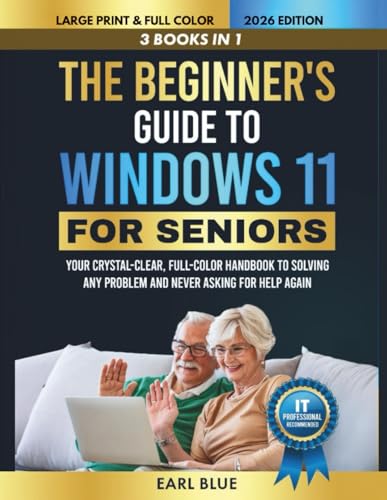
The Beginner's Guide to Windows 11 For Seniors: Your 3-in-1 Crystal-Clear, Full-Color Handbook to Solving Any Problem and Never Asking for Help Again
by Earl Blue

This 3-in-1 handbook offers crystal-clear, full-color instructions for seniors to master Windows 11. Learn to navigate features, solve common issues, and use your computer confidently without needing assistance. Ideal for beginners seeking independence in the digital world.
About This Book
This beginner-friendly handbook is designed specifically for seniors transitioning to Windows 11. It provides straightforward guidance to navigate the operating system's features without frustration.
The 3-in-1 format combines essential tutorials, troubleshooting tips, and practical exercises to ensure users can handle everyday tasks on their own.
With full-color illustrations and simple language, the book empowers readers to solve problems independently, reducing the need to seek help from others.
Whether setting up your device or exploring new apps, this guide makes technology accessible and enjoyable for older adults.
Reviews
No reviews yet. Be the first to review this book!