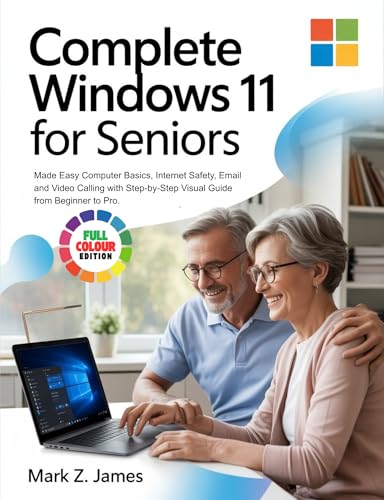
COMPLETE WINDOWS 11 FOR SENIORS: Made Easy Computer Basics, Internet Safety, Email and Video Calling with Step-by-Step Visual Guide from Beginner to Pro

Complete Windows 11 for Seniors offers a straightforward, visual introduction to everyday computer use. Readers can explore Windows 11 basics, internet safety, email, and video calling through step-by-step guidance designed to support beginners while helping them build confidence with essential digital skills.
About This Book
Complete Windows 11 for Seniors is an introductory guide to using a Windows 11 computer with greater confidence.
The book covers computer basics in a step-by-step format, making it suitable for readers who are new to Windows 11 or want a simpler reference.
It also addresses internet safety, email, and video calling—key skills for communicating, learning, and staying connected online.
With a visual approach and progression from beginner to pro, the guide is designed to make everyday computer tasks easier to follow.
Reviews
No reviews yet. Be the first to review this book!