Tag: Study Skills

  • How to Use Study-With-Me Videos Without Spending the Session Watching

    How to Use Study-With-Me Videos Without Spending the Session Watching

    Before you choose a study-with-me video, choose the work you want to finish. Write down one task, pick a stopping point, and put your notes or assignment in front of you. Then let the video provide whatever background company you find useful. You don’t need to match the person on screen, copy their desk, or stay until their timer ends.

    That’s easy to forget when finding the right rainy window, library view, or playlist becomes its own project. A useful session should leave you with something from your course: attempted problems, a clearer paragraph, or a question to take to class. Here’s a simple way to set that up without making your study routine more complicated.

    Decide what job the video has

    A study-with-me video generally shows someone working while viewers do their own work. Some are recorded; others are livestreams. The attraction might be a shared start, a visible timer, background sound, or the feeling that someone else is at a desk too.

    That sense of company appears in Ge Wang and Yanxiang Zhang’s 2021 research on Bilibili study-with-me livestreams. Their observations and interviews explored motivations including companionship and accountability. That’s useful context for the format, but it doesn’t establish that watching any particular video will improve your grades.

    Give your video one modest job. Maybe it marks the beginning of a work period. Maybe quiet room sounds make your desk feel less empty. If you want someone to explain a problem, you need an instructional resource instead. A person silently taking notes on screen can’t tell you why your answer is wrong.

    Write a task you can actually check

    “Study biology” leaves a lot undecided. “Answer the three review questions about cell membranes, then check my explanations” tells you what to open and what to do. Make that decision before searching, while your attention is still on the assignment.

    Try a task sized for the time you have. You could outline one section of an essay, attempt a small set of practice problems, or prepare two questions about a reading. These are examples, not a required formula. Choose the version that matches what your course is asking you to learn.

    The UNC Learning Center’s study guidance recommends active engagement, such as explaining ideas or working problems, and reducing distractions. Keep that distinction in view when setting your task. The amount of video you finish isn’t a useful substitute for checking the work you did.

    If your assignment involves a dense chapter, our guide to reading a college textbook covers the reading itself. Choose your section and question there, then come back to setting up the video.
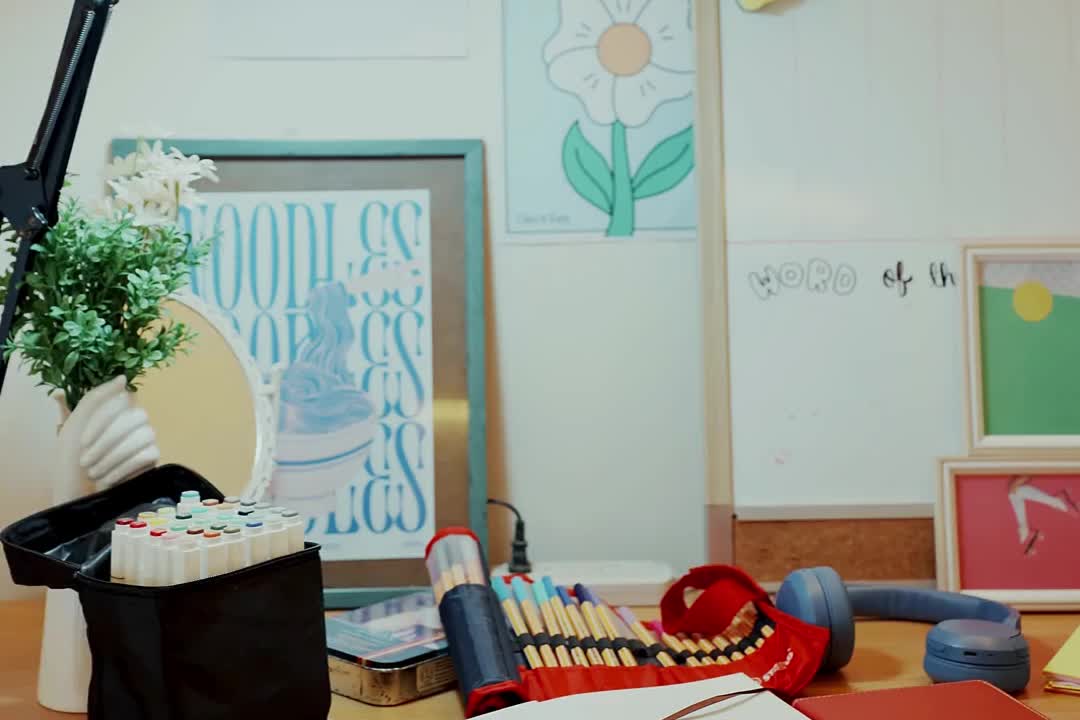
    Notebook, lamp and study materials arranged on a working desk

    Choose a workable video, then stop browsing

    You don’t need the best study-with-me video on the internet. You need one whose setup won’t keep asking for your attention. Check a few details before committing:

    • Sound: Does it contain conversation, lyrics, keyboard noise, or silence? Pick what you want for this particular task.
    • Movement: Are there frequent cuts, changing views, or things you know you’ll keep looking at?
    • Timing: Can you stop where you planned, regardless of the video’s length or break schedule?
    • Interaction: Will a live chat, comments, or recommendations pull you into another activity?

    Use a small browsing limit you can remember: for example, preview two options and choose one. That’s a practical boundary to try, not a research-tested optimum. If neither works, use your own timer or work without a video. You haven’t failed the session because the background wasn’t right.

    A livestream can be appealing if you want to begin alongside other people. A recording may be simpler when you want to start and stop on your own schedule. Neither needs to become a commitment to stay for hours. Your available time and your assignment get to decide.

    Put your own work in the main position

    Arrange the screen so your assignment is the easiest thing to see. If you’re writing on a laptop, give the document the main window and keep the video smaller or out of view. If you’re using paper, put the notebook in front of you and the player to the side. Keep the sound low enough that you can comfortably think through your task, or mute it.

    Close the comments or chat if you’re tempted to follow them. Put unrelated tabs away. Have the materials you need within reach before pressing play, including the answer key if you’ll use it afterward. The aim is to avoid turning every small obstacle into another trip through the browser.

    You can also decide in advance what to do when the video interrupts you. If an ad, sudden sound, or scene change breaks your concentration, pause or close it and continue with your task. There’s no need to spend the next ten minutes finding a replacement while your half-finished work waits.

    Try one short session before planning a marathon

    Here’s an example for a half-hour gap between classes. Spend a couple of minutes opening the materials and writing the task. Work on it for about twenty minutes. Use the remaining time to check what you produced, note a sticking point, and pack up. Those timings are an example you can change, not a promise that one interval suits everyone.

    Suppose your task is three practice questions. Work through them in order and mark where you get stuck. If the video reaches a break while you’re finishing a thought, you can pause the player. If your own stopping time arrives first, stop there. You don’t owe the video another round.

    For an essay, your result might be a rough paragraph and a note about the evidence it still needs. For a reading, it might be a brief explanation of one idea. Keep the result small enough that you can look at it and say what you actually did.
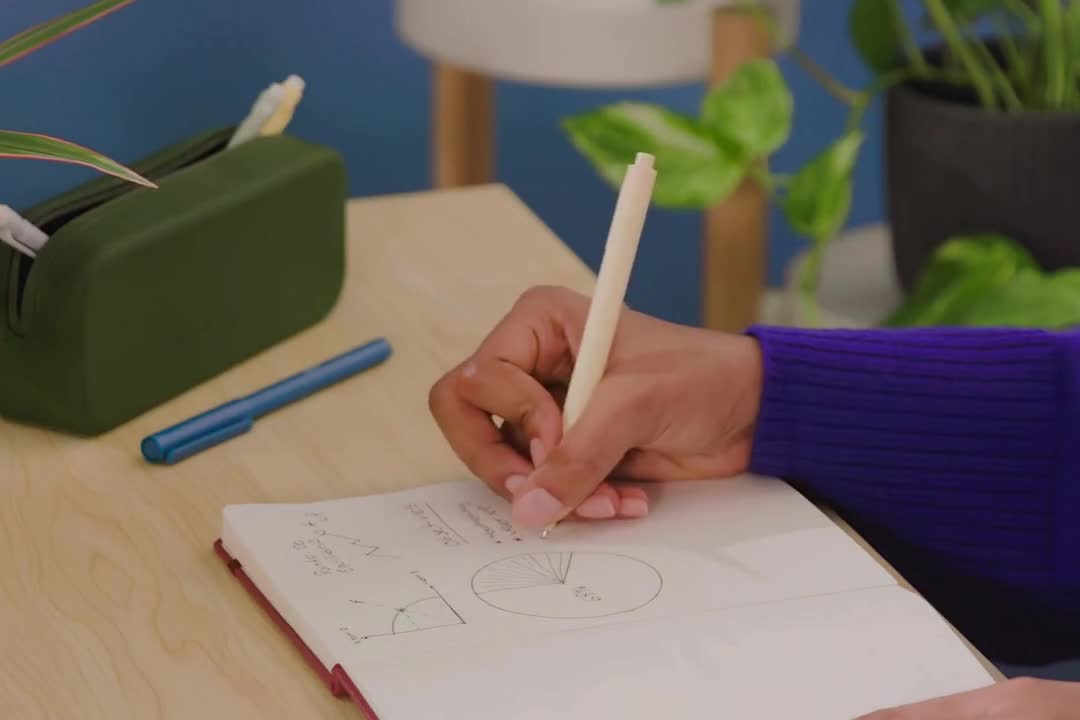
    A hand writing notes beside study materials

    Finish with an answer, not just an elapsed timer

    Before opening another video, check one part of your work. Explain an idea without looking at your notes, attempt a related problem, or reread your paragraph against the assignment question. Then consult your materials and correct what you missed. A gap gives you something specific to work on next.

    Finally, ask whether the video helped you begin and stay with the task, or whether you spent the session noticing the screen. Keep the parts of the setup that were useful. Change or remove the rest next time. You can like the atmosphere of a video and still decide it belongs in your leisure time.

    For your next session, write three lines: my task, my stopping point, my end check. Get those onto the page before you press play. The video can keep you company; your own work gives the session its purpose.

  • How to Read a College Textbook Without Wasting Hours

    How to Read a College Textbook Without Wasting Hours

    If you treat every page of a textbook like it deserves the same attention, you will waste time fast. The smarter move is triage: figure out what the chapter is trying to teach, what your instructor is likely to care about, and where you actually need slow reading. That approach turns a long assignment from an all-night slog into a repeatable workflow.

    The goal is not to read harder. It is to read with purpose, in a way that leaves you with a few ideas you understand and a few terms you can explain. Cornell’s reading strategies and Oregon State’s before-you-read guide both point to the same reality: textbooks reward structure-aware reading, not speed for its own sake.

    Open textbooks and study materials arranged for efficient college reading.
    A focused reading plan helps students get more out of assigned textbook chapters without rereading every page.

    First, make sure you are reading the right book and chapter

    Before you worry about speed, confirm the basics. If you are working from the wrong edition, the wrong chapter, or the wrong platform, your effort will be pointed in the wrong direction. That sounds obvious until you’ve spent an hour on a section that doesn’t match the syllabus.

    Use the assigned title, author, chapter number, and ISBN to verify the match. If you need to check by title, author, or ISBN, start at Textbook Nova so you are working from the exact assigned text instead of a vague bookstore listing. If you want a quick refresher on that search process, this guide to using Textbook Nova is the cleanest place to start.

    Once the book is right, check whether the chapter is actually required for this week or just listed as background.

    Preview before you commit to close reading

    A chapter gives away a lot before you read a single paragraph. Previewing tells you where to spend your time.

    Check headings, summaries, figures, bold terms, review questions

    Start with the title, headings, subheadings, summary, figures, bold terms, and end-of-chapter questions. Oregon State’s reading-process guidance recommends this kind of preview, and the University of Cincinnati’s SQ4R guide makes the same point: survey the chapter first, then work section by section.

    While previewing, ask three questions:

    • What is the chapter probably trying to explain?
    • Which terms or concepts look unfamiliar?
    • Which parts are likely to show up on homework, quizzes, or discussion?

    That last question is where triage starts. Not every paragraph deserves the same level of attention.

    Decide what deserves slow reading

    Slow down for definitions, examples, diagrams, worked problems, and concepts that connect directly to class assignments. Skim more lightly when the section repeats something you already understand. If you cannot explain what a section is doing after previewing, it probably deserves more time.

    Turn headings into questions

    This is the step that makes the chapter easier to remember. Instead of reading headings as labels, convert them into prompts your brain can answer.

    If the heading says “Types of Chemical Bonds,” turn it into “What are the types of chemical bonds, and how are they different?” If the heading says “Causes of Inflation,” turn it into “What causes inflation, and what evidence supports each cause?”

    That shift gives your reading a job. Cornell’s textbook reading systems describes SQ3R in a similar way: survey, turn headings into questions, read to answer, recite in your own words, and review what you learned. If a heading is vague, make the question more specific.

    Read in small sections, not marathon chapters

    Long chapters are where students lose time. The fix is smaller chunks.

    Read one section, pause, and say what it meant in your own words before moving on. The University of Cincinnati’s SQ4R approach recommends breaking text into reasonable sections and writing notes only after you can recall the key idea yourself.

    Aim for this rhythm:

    1. Read a short section.
    2. Stop and recall the main point.
    3. Check the book only if you blank.
    4. Move on once the idea is clear enough to explain.

    That loop is slower than skimming, but it is much faster than rereading the whole chapter later because nothing stuck.

    Annotate lightly

    Highlighting should be a signal, not decoration. Use it sparingly: key terms, main claims, a formula, or one sentence that really carries the section. Oregon State’s guided reading advice favors efficient annotation rather than marking everything in sight.

    Stop when you lose the thread

    If you get to the end of a paragraph and cannot say what it was for, stop. Back up one chunk, reread with the heading-question in mind, and pull out the main idea again.

    That is the moment you catch confusion before it spreads.

    Recall before you take more notes

    Most students take notes too early. A better sequence is: read, close the book, and try to explain the section in your own words first. Cornell’s reading guidance and UC’s SQ4R sequence both lean toward that kind of active recall.

    Use prompts like these:

    • What was the section trying to prove or describe?
    • What are the two or three most important terms?
    • How would I explain this to a classmate?
    • What example from the chapter actually matters?

    Only after that should you add notes. Your notes should capture what you could not already hold in working memory, not everything you saw on the page.

    A useful test is whether your notes would help you answer a real question later. If a line only repeats the textbook sentence in slightly shorter form, skip it or rewrite it as a question. If it explains a relationship, names a common mistake, or connects the chapter to lecture, keep it. That filter keeps your notes short enough to review instead of becoming a second textbook.

    Build a one-page review sheet

    You do not need a giant outline for every chapter. You need a compact review page that makes later studying easier.

    For each chapter, collect:

    • the chapter’s main purpose in one sentence
    • five to eight key terms with plain-language meanings
    • two or three major concepts or relationships
    • one example, diagram, or formula you may need to revisit
    • any questions you still cannot answer confidently

    This page becomes your quick review tool before class, before a quiz, or before exam week. It also gives you a clean place to turn messy reading into usable study material.

    When to skim, when to slow down, and when to ask for help

    Skim when the section is clearly review, background, or repetition of something you already know. Slow down when the chapter introduces a new framework, technical vocabulary, a diagram you will need later, or a process that builds on earlier sections. Ask for help when you have previewed, questioned, read, and recalled, but the chapter still feels like noise.

    Help can mean different things:

    • office hours
    • a study group
    • a tutor
    • a classmate who can translate the chapter into simpler language
    • a professor question about what to prioritize

    If the chapter is dense enough that you keep reading the same paragraph without getting anywhere, the issue may not be your attention span. It may be that you need a faster explanation before the text makes sense.

    A repeatable 30-minute textbook-reading loop:

    Here is the compact version:

    1. Confirm you have the correct book and chapter.
    2. Preview headings, summaries, figures, and questions.
    3. Turn headings into questions.
    4. Read one small section at a time.
    5. Recall the idea in your own words before taking notes.
    6. Add only the notes that help you review later.
    7. Stop where the chapter stops being useful and get help if needed.

    Do that consistently and reading stops feeling like a vague endurance test. You start each chapter with a purpose and finish with something you can actually use.